
BIGOS
Certifications panel in chat
Surface certifications and compliance panels inside MasterBot conversations.
Certifications panel in chat is a focused motion inside BIGOS. Teams use it alongside MasterBot so growth work stays connected — not stranded in another vendor login. This page explains the outcome, how operators use it day to day, and what to evaluate on a demo.
Why teams look at Certifications panel in chat
Show certifications
“Surface certifications and compliance panels inside MasterBot conversations.”
What to evaluate for Certifications panel in chat
A short checklist buyers use before they commit time on a demo.
- How certifications panel in chat fits inside BIGOS
- Where teams start with MasterBot
- What to bring to a scoped demo
- How this motion reports into unified analytics
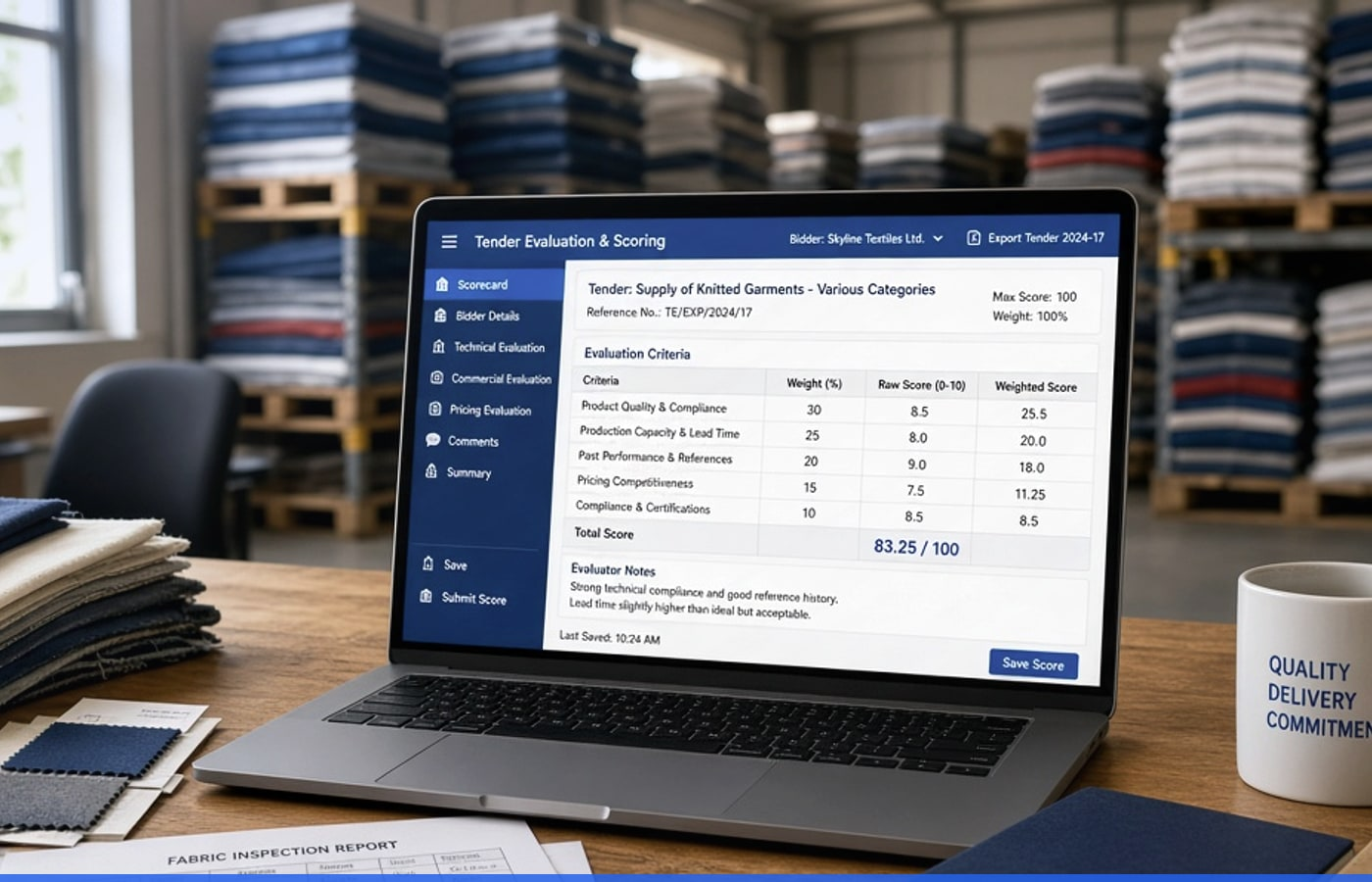
Show certifications
Certifications panel in chat in the growth OS
Certifications panel in chat is a focused motion inside BIGOS. Teams use it alongside MasterBot so growth work stays connected — not stranded in another vendor login. This page explains the outcome, how operators use it day to day, and what to evaluate on a demo.
- How certifications panel in chat fits inside BIGOS
- Where teams start with MasterBot
- What to bring to a scoped demo
Certifications panel in chat FAQ
No. Certifications panel in chat is a focused motion inside BIGOS. Evaluate it next to MasterBot under one login.
In practice
How teams use Certifications panel in chat on BIGOS
A visual walkthrough of the motion on this page — connected to the rest of the growth OS, not stranded in another vendor login.
- Operators stay inside one dashboard
- Leaders see the same outcomes
- Expand engines without a new vendor hunt
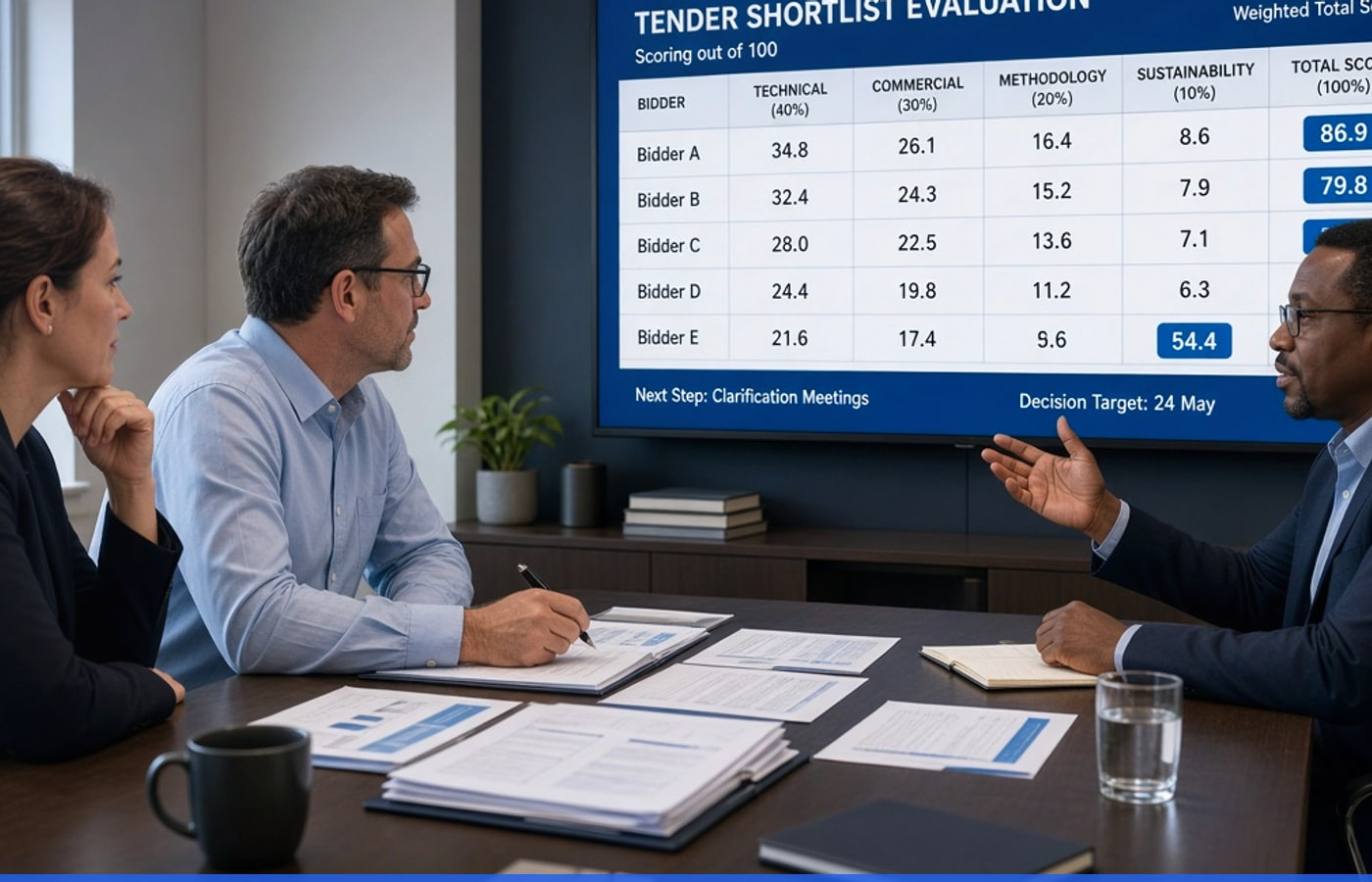
What buyers evaluate next
Short cards that match this page’s outcome — not generic filler.

Teams that grow on BIGOS
MasterBot answers from our PDFs first — and when confidence drops, the handoff to a person is clear. Support stopped guessing.
See Certifications panel in chat live
Book a demo for a guided walkthrough, or open the related engine / platform page for a deeper capability view.